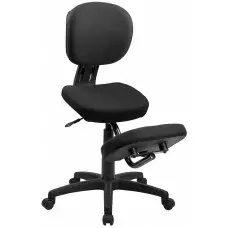
5 Ways to go Ergonomic


How do I make my office ergonomic?

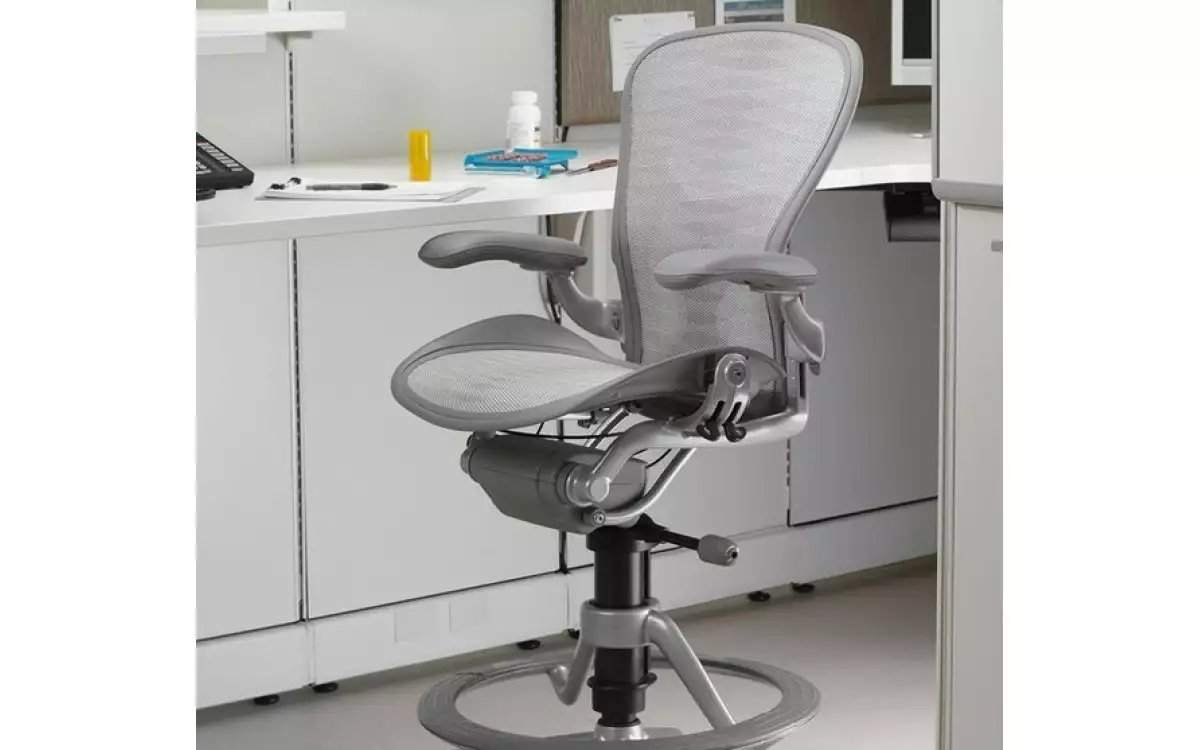
Purchasing ergonomic furniture and customizing the features to fit each individual and work station is the easiest and most effective way to create an ergonomic office, but in the meantime here are 5 simple and low cost solutions that can be implemented immediately:

  • Adjust your chair both before starting your day and after lunch. Your body changes throughout the day and so should your seat.

  • Arrange your workstation so that your frequently used items are within close reach from your seat.

  • Use books, papers, or a box to raise your computer screen so that you are looking at the top third of the screen.

  • Place a pillow behind your back to create lumbar support if your office chair doesn't already offer any.

  • Place your document holder right beside your computer screen so you only have to move your eyes and not your head.


YOU MIGHT ALSO LIKE

Getting Over Your Writer's Block

Getting Over Your Writer's Block

Whether you write professionally or recreationally, writer's block is a real obstacle to overcome. Many people struggle with it, from journalists at high-flying publications to high school students trying to finish a book report. While it may seem like the writer's block will last forever, there are...
Read more
The One Mistake You Are Making at Work

The One Mistake You Are Making at Work

Choices... If your work week is anything like mine it consists of countless hours sitting at a desk or in front of a computer. So, why make the grave mistake of sitting in a chair that does not suit you? There are numerous chairs out there, all for the choosing. For instance,...
Read more
Reasons to Buy Refurbished

Reasons to Buy Refurbished

Are you looking to purchase an ergonomic office chair? You should consider buying a refurbished chair. Refurbished office chairs, such as a refurbished Herman Miller Aeron, look and function like new. It is not necessary to buy a brand new chair; these chairs are skillfully restored so that you can...
Read more